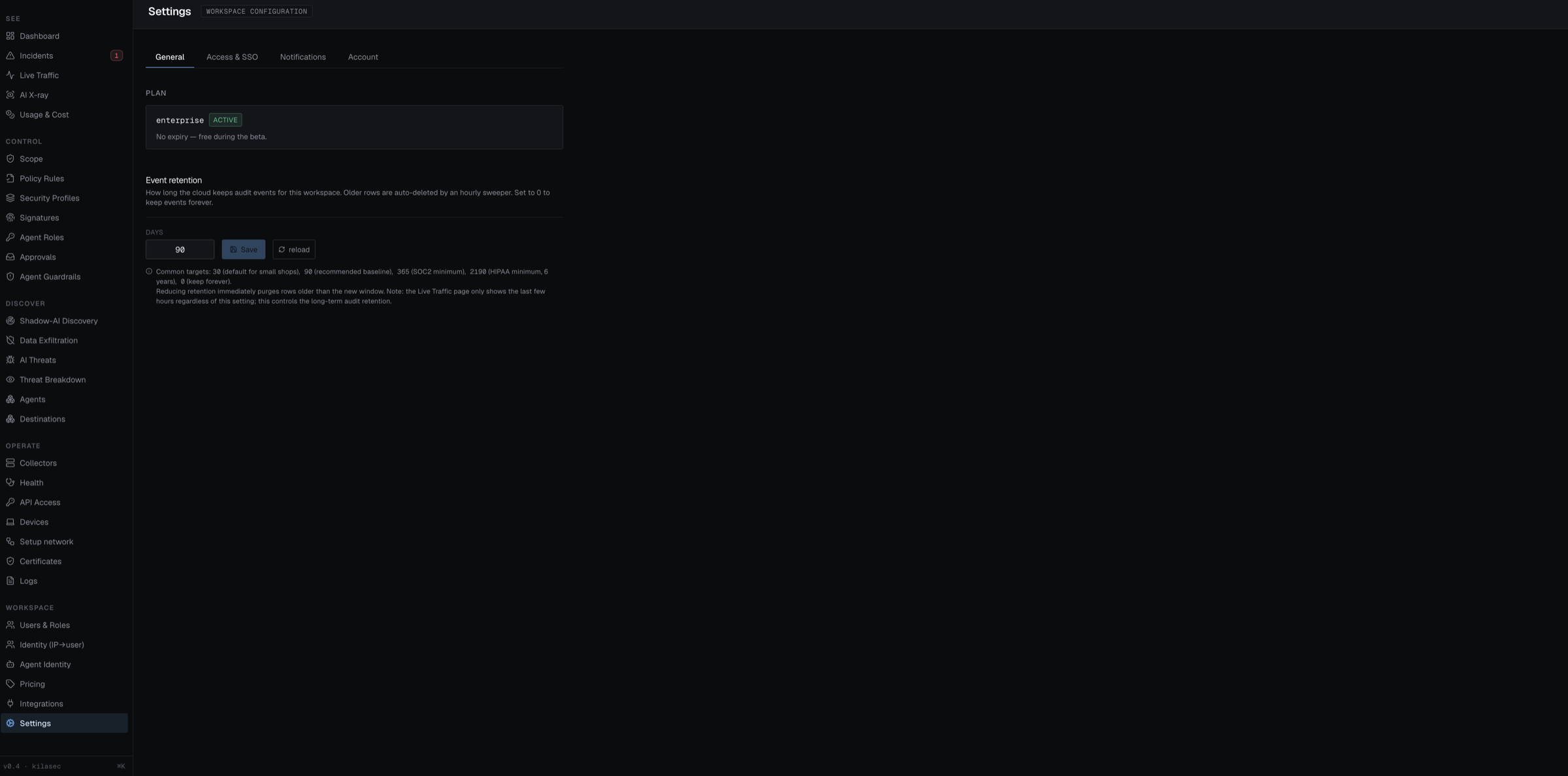
Workspace settings
Workspace-level configuration. Three sections:
- Notifications — where alerts about your workspace go. An email field (comma-separated for multiple recipients), a Slack-compatible webhook URL (posts a
{ text }payload), and an "Alert me when a collector goes offline" toggle. Send test fires a test alert at the configured channels so you can verify delivery before you need it. - Two-factor authentication — TOTP with any authenticator app (Google Authenticator, 1Password, Authy). Setup shows a QR code (or the raw secret for manual entry); confirm with a 6-digit code and you get a set of one-time recovery codes — save them, they're shown exactly once. Turning 2FA off requires your password.
- Event retention — how long the cloud keeps audit events for this workspace, in days (
0= keep forever). An hourly sweeper deletes older rows; reducing the value purges rows older than the new window immediately. Common targets:30(small shops),90(recommended baseline),365(SOC2 minimum),2190(HIPAA minimum, 6 years). Note this governs long-term audit retention — the Live Traffic page only shows the last few hours regardless.
Sign out lives in the top bar, not on this page.